Google Ads
Genius connects to your authorized Google Ads account to analyze campaign performance and surface clear, prioritized recommendations — so you can make faster, more confident decisions about your Google campaigns.
Genius is an independent software product that integrates with Google Ads by user authorization. Google Ads is a third-party service. Genius is not endorsed by or affiliated with Google except as an authorized API integrator.
What this integration does
When you connect a Google Ads account to Genius, Genius uses the Google Ads API to read your campaign performance data within the scope of permissions you authorize.
Genius uses that data to analyze performance patterns, identify optimization opportunities across multiple platforms, and surface specific recommendations about how to improve your Google Ads results.
All recommendations are presented for your review. You decide what actions to take. Genius does not make changes to your Google Ads account.
—Data from Google accounts you have not authorized
—Google Analytics data (separate integration)
—Gmail, Google Drive, or other Google services
—Ad group or keyword data
—Quality Scores, impression share, or bid data
—Personal or demographic data about your customers
—Data beyond the scope of permissions you approved
—Your Google account password or login credentials
—Campaign type, budget settings, or account-level configuration
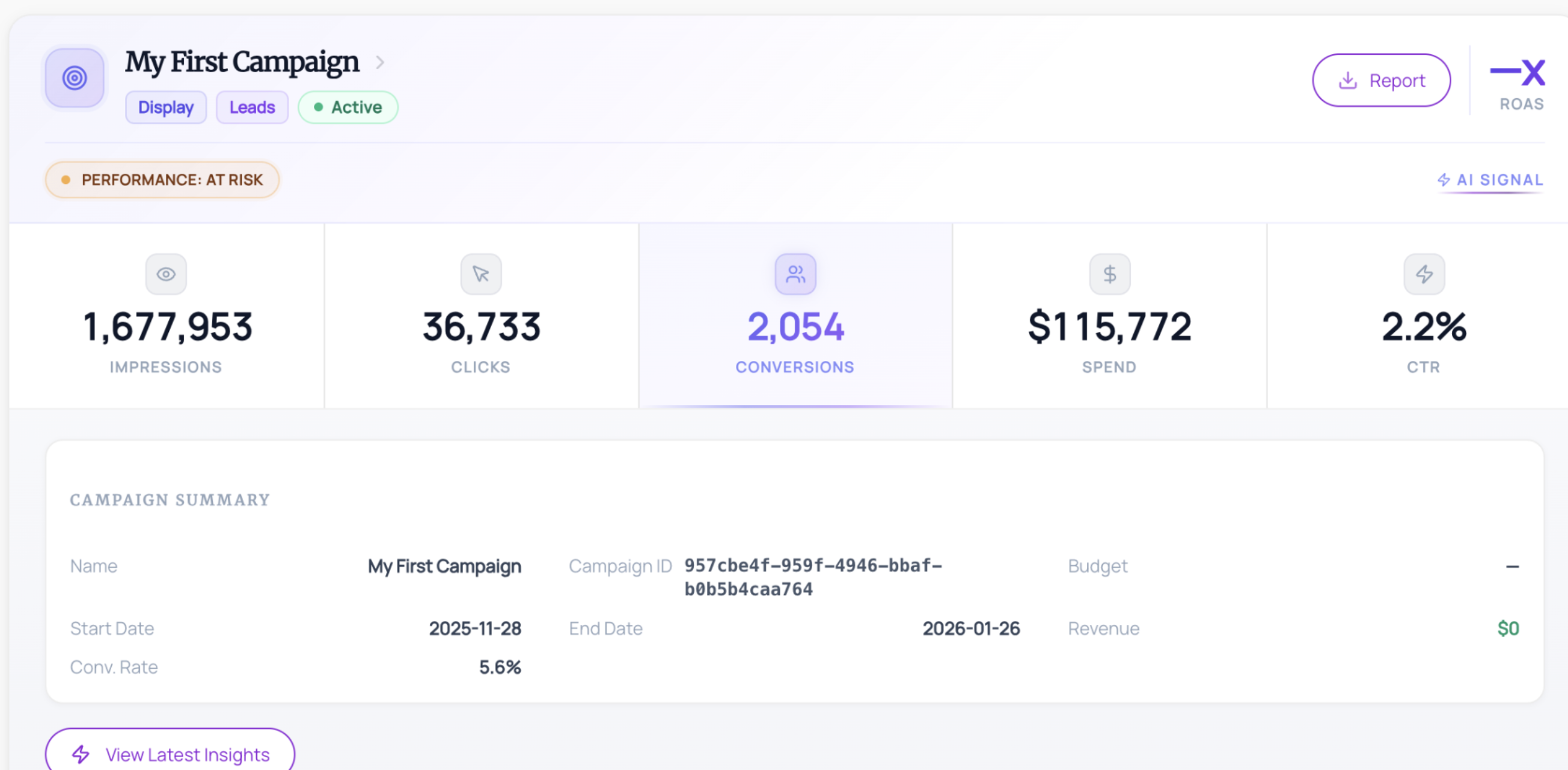
Genius requests the permissions necessary to read campaign-level performance reporting data via the Google Ads API — specifically daily metrics including impressions, clicks, spend, conversions, and conversion value. Genius does not request permissions to read ad group, keyword, audience, or account configuration data.
Genius does not request permission to create, edit, pause, or delete campaigns or ad objects unless such a feature is explicitly made available and you choose to enable it.
Data obtained through Google APIs is used only to provide and improve the features visible to the user, and is not used for advertising purposes or shared with third parties.
2. Select and authorize your Google Ads account
3. Genius imports authorized reporting data to generate recommendations